






What is the SitePro Dev Portal?
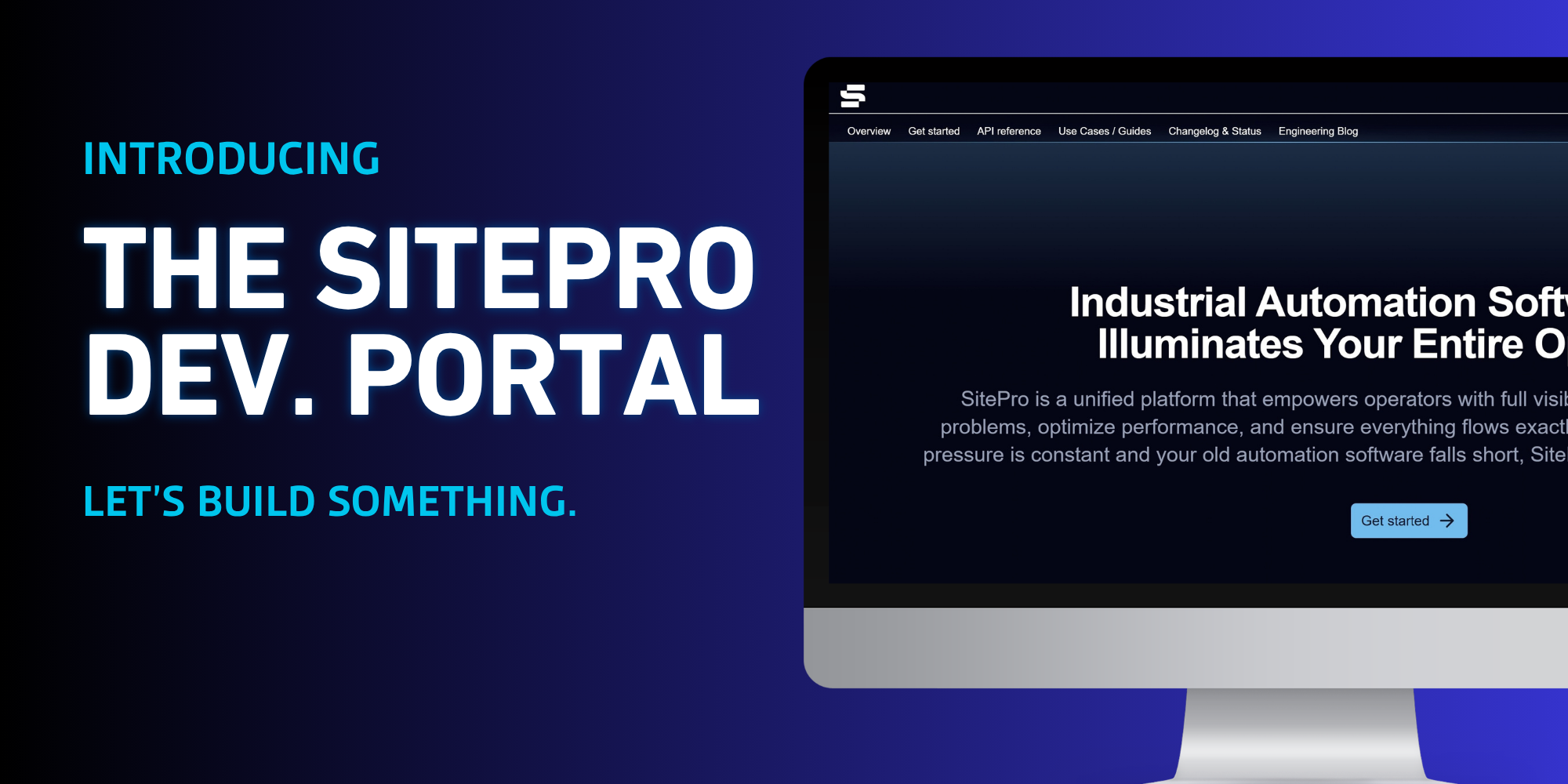
The SitePro Developer Portal is the central resource for developers, customers, and integration partners working with SitePro APIs. It includes API reference documentation, getting-started guidance, use-case guides, request and response examples, a downloadable Postman collection, and information about recent API changes.
Who is the SitePro Dev Portal for?
The Developer Portal is intended for customers, developers, IT teams, system integrators, and technology partners who want to connect external devices, applications, and enterprise systems with SitePro.
This can include integrations involving SCADA systems, field devices, reporting platforms, asset management systems, CMMS platforms, analytics tools, and other operational systems.
What can I do with the SitePro API?
The SitePro API supports both sending data into SitePro and retrieving data from the SitePro platform.
Depending on the supported endpoint, developers can:
- Send live and historical equipment data into SitePro
- Retrieve live equipment readings
- Retrieve historical telemetry
- Access site and equipment information
- Retrieve detailed site and equipment configurations
- Access transaction and ticket information
- Retrieve associated ticket images
- Work with supported alarm functionality
- Connect SitePro with external analytics, reporting, maintenance, and business systems
These capabilities can be combined to build custom integrations, applications, monitoring workflows, reporting solutions, and other connected operational experiences.
Can I send data from my own devices or systems into SitePro?
Yes. SitePro provides ingestion endpoints that allow supported external devices and systems to send operational data into the SitePro platform.
For example, the Developer Portal documents how sensor and pump readings can be submitted to SitePro through authenticated API requests. Once ingested, supported sensor data can be used within SitePro for visualization, alarms, reporting, and downstream integrations.
This makes it possible to use SitePro as more than a source of data. External field devices, edge systems, and other data sources can also feed information into the SitePro platform. This data can then be aggregated and viewed on the web portal or the mobile app.
What data can I retrieve from SitePro?
The API provides access to a range of supported operational and configuration data.
Current documentation includes API endpoints for both ingesting and egressing data for sites, pumps, meters, sensors, tanks, live equipment data, historical logs, and alarms. Users can retrieve equipment configuration, tickets, ticket images, and motion capture images.
Historical equipment data can be retrieved over defined time ranges and, depending on the endpoint, summarized by hourly or daily intervals. Sensor APIs also support raw historical readings.
Can I access current or live SitePro data?
Yes. SitePro provides live-data endpoints for supported equipment types. For example, the sensor live-data endpoint returns the latest available reading and associated information for all sensors at a site.
The API can be used to support applications such as operational dashboards, monitoring integrations, alerting workflows, and external analytics that need current site conditions.
Can I use the API access to SitePro equipment configuration?
Yes. SitePro provides configuration endpoints that expose information about a site’s devices, sensors, meters, pumps, tank groups, equipment relationships, and hardware mappings.
Different configuration endpoints are available depending on the level of detail needed, including full, light, compact, and configuration-update checks.
These endpoints can support applications such as digital-twin synchronization, asset management integrations, configuration auditing, deployment validation, and maintaining consistent equipment structures between SitePro and external systems.
How does authentication and API access work?
SitePro API access is permission-scoped. The sites, equipment, and transactions returned by the API are limited to the resources the API account has been granted access to.
Developers first authenticate using the /token endpoint with their authorized SitePro credentials. The API returns a Bearer token that is then included in the Authorization header of all subsequent API requests.
Sites must also have the API subscription enabled, and the appropriate API user permissions must be assigned before the account can access API resources.
How do I get started with SitePro API?
A typical integration begins by:
- Confirming API access and permissions
- Authenticating and obtaining a Bearer token
- Retrieving the sites available to the account
- Using the Site ID to discover equipment
- Using the appropriate endpoints to send or retrieve data
Because SitePro follows a site-based hierarchy, Site IDs are used throughout the API to identify which site and equipment an integration is working with.
The Developer Portal includes a dedicated Getting Started guide that walks developers through authentication, permissions, the SitePro data model, equipment discovery, historical data, live data, transactions, images, and error handling.
Can I test the API before building my integration?
Yes. Individual API reference pages provide request details, example payloads, expected responses, cURL examples, authorization fields, and an interactive Run interface for making requests.
The Developer Portal also provides a downloadable Postman collection for the Platform API, allowing developers to explore and test supported endpoints using Postman.
Authentication and appropriate SitePro permissions are still required for requests that access protected API resources.
What type of integrations can I build with the SitePro API?
The SitePro API can support a wide range of operational integrations and workflows.
Examples currently documented in the Developer Portal include:
- Sending third-party sensor and equipment data into SitePro
- Connecting SitePro with enterprise SCADA systems
- Building external operational dashboards
- Synchronizing SitePro configurations with CMMS or asset management systems
- Exporting transaction and ticket data
- Auditing configuration differences across sites
- Monitoring equipment conditions with external analytics or AI systems
- Creating automated alerting and maintenance workflows
- Using SitePro data for reporting and compliance workflows
The Developer Portal includes dedicated use-case guides showing how SitePro APIs can be combined to support these types of solutions.
How do I stay informed about API changes or get help?
The Developer Portal includes a changelog that documents API additions, removals, platform changes, and Developer Portal releases. Developers should review the Developer Portal and changelog for current API documentation and changes that may affect their integrations. Additionally, the SitePro marketing team will be in touch via email with any major updates.
For account access, permission changes, or additional API assistance, contact your SitePro system administrator or the appropriate SitePro support team. The documentation specifically directs users to their system administrator or SitePro when API subscriptions or permissions need to be enabled or adjusted.
If you have any other questions, feel free to reach out to our team using the button below.